Blank handwriting paper
Print blank handwriting paper with the line size, guides and spacing you choose.
Customize this sheet in the private workbench. Your text is processed on your device.
The sample uses A4. Choose US Letter or a custom paper size in the workbench.
These sheets use Andika print letters. For stroke order, follow the handwriting model you use at home or school.
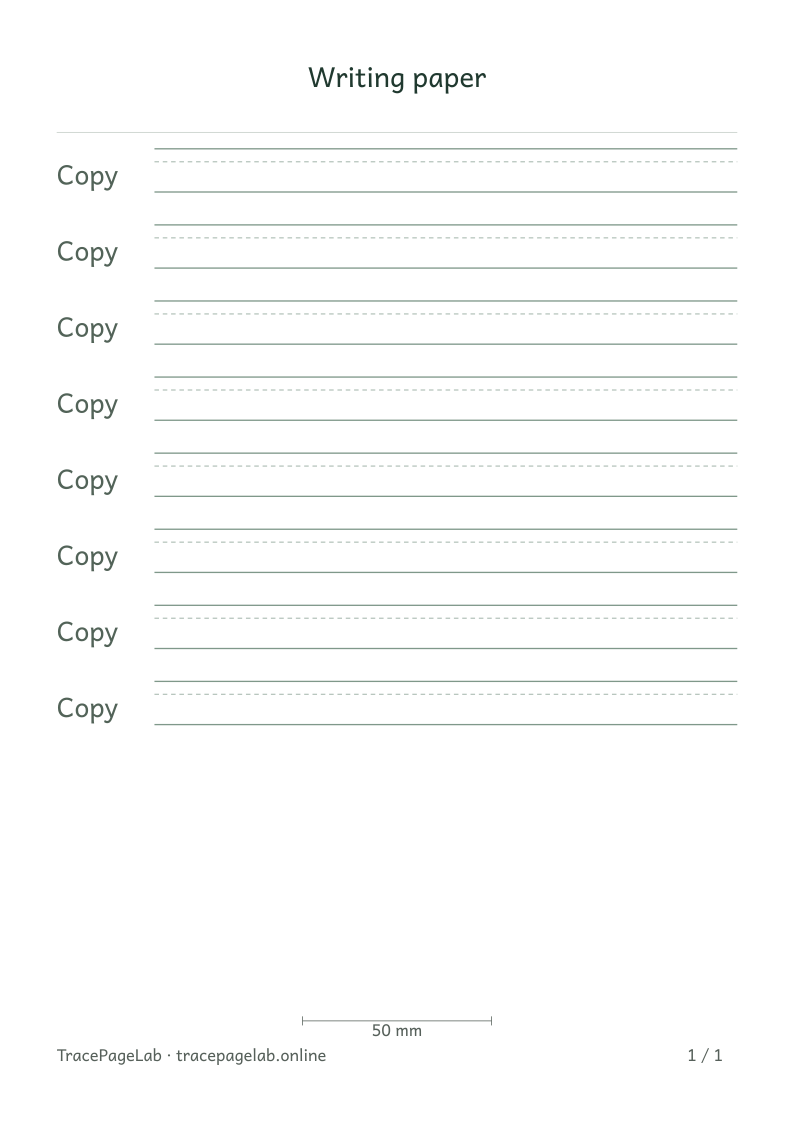
Make a sheet of writing lines without entering any text. Keep just a baseline or add middle, capital-height and descender guides. The paper stays white in both site themes.
Print this sample, or open it in the workbench to change the text and layout.
Make the worksheet
- Open the blank-paper preset.
- Choose the guidelines you want to show and set their contrast.
- Set letter-body size and spacing between rows.
- Choose A4, US Letter or a supported custom paper size with usable margins.
- Check the first and last writing rows, then print at actual size.
Choose the space the task needs
Letter size changes the guide positions; Space between rows changes the room from one row to the next. Zoom only changes the screen view.
Before you print
Check the first and last rows before printing. If the page does not fit, use fewer repetitions, smaller margins or a different row spacing.
| Output | Use it for |
|---|---|
| Open the browser print dialog and choose matching paper and actual size. | |
| Download a separate vector file to print or keep locally. | |
| SVG | Keep self-contained vector pages for a compatible local application. |
| Project file | Save the editable text and settings in a local JSON file. |
Create your first custom worksheet
Questions about this worksheet
Do I need to enter text to make blank handwriting paper?
No. This preset uses Copy rows only, so you can leave Your text empty. If you add a Look or Trace row, enter the text you want that row to show.
How do I change the distance between the writing lines?
Letter size sets the lowercase body height and its guide positions. Space between rows adds room between rows. Preview zoom only changes the screen view; use the size and spacing controls to change the printed page.
Can I print just a baseline?
Yes. In Writing guidelines, keep Baseline on and turn off Middle line, Capital line and Descender guide. Check the line darkness on one printed page before making more copies.