Picture and writing paper
Leave room for a drawing above a caption, tracing rows or blank handwriting lines.
Customize this sheet in the private workbench. Your text is processed on your device.
The sample uses A4. Choose US Letter or a custom paper size in the workbench.
These sheets use Andika print letters. For stroke order, follow the handwriting model you use at home or school.
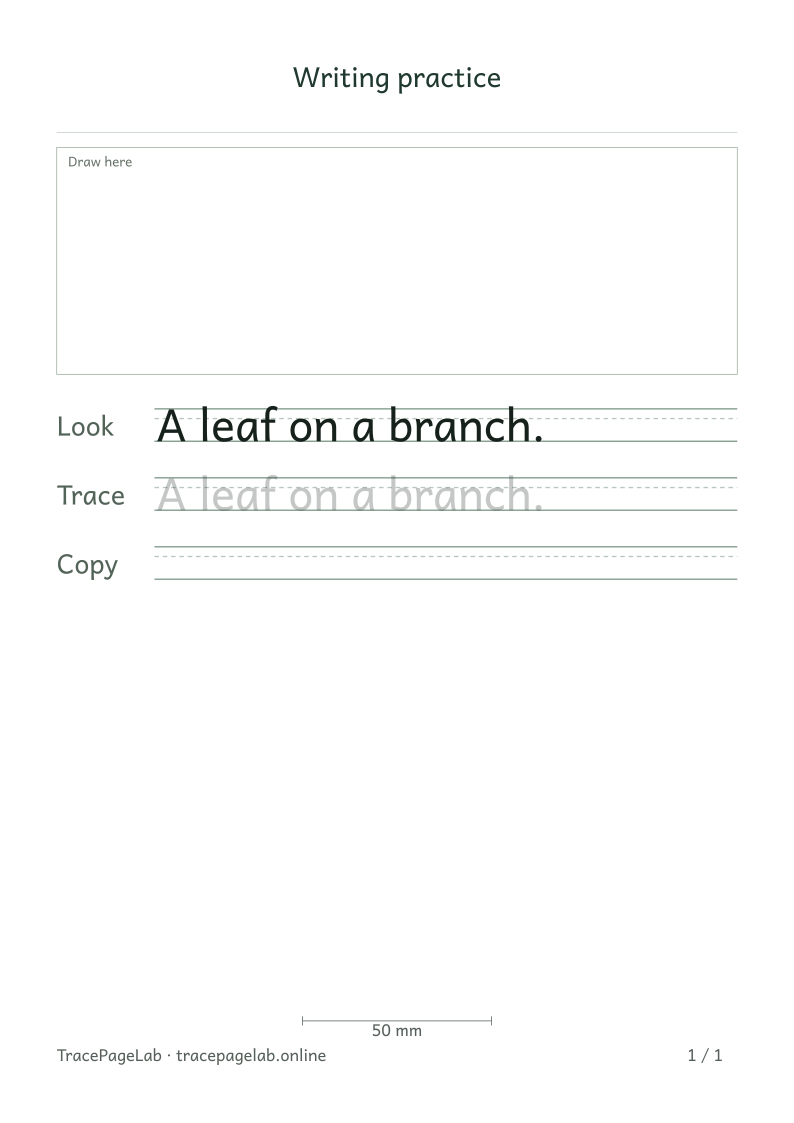
Start with A leaf on a branch. beneath an empty drawing box. Add the drawing after printing, or change the caption in the workbench before making the page.
Print this sample, or open it in the workbench to change the text and layout.
Make the worksheet
- Open the drawing-box layout and choose a short caption.
- Leave the picture area blank for a drawing made on paper.
- Choose whether the caption rows show a model, tracing text or only guidelines.
- Check the space left for writing after the drawing box and margins.
- Preview the complete page and export a clean PDF or SVG.
Choose the space the task needs
A taller drawing box leaves less room for writing. Extra repetitions or larger letters may add pages, so check the first row below the box and the final row on each page.
Before you print
The drawing area is left empty for work on paper. You can use a caption or choose Copy rows only for blank writing lines below the picture.
| Output | Use it for |
|---|---|
| Open the browser print dialog and choose matching paper and actual size. | |
| Download a separate vector file to print or keep locally. | |
| SVG | Keep self-contained vector pages for a compatible local application. |
| Project file | Save the editable text and settings in a local JSON file. |
Create your first custom worksheet
Questions about this worksheet
Can I add a picture to the drawing box?
The box is left empty for a drawing on the printed sheet. This layout does not upload or insert pictures. Type a short caption below it, then add the drawing after printing.
Can I leave only blank writing lines below the picture?
Yes. Choose a custom practice sequence with Copy rows only. Leave the text empty if you do not want a printed caption. The drawing area and selected guidelines remain on the sheet.
Why did a larger drawing box add a page?
The box shares the page with margins, the title and practice rows. Making it taller leaves less room for writing. Reduce its height or the row repetitions, then inspect each page in the preview.