Sentence tracing worksheet maker
Make a tracing worksheet for your own short sentences, with capitals, spaces and punctuation.
Customize this sheet in the private workbench. Your text is processed on your device.
The sample uses A4. Choose US Letter or a custom paper size in the workbench.
These sheets use Andika print letters. For stroke order, follow the handwriting model you use at home or school.
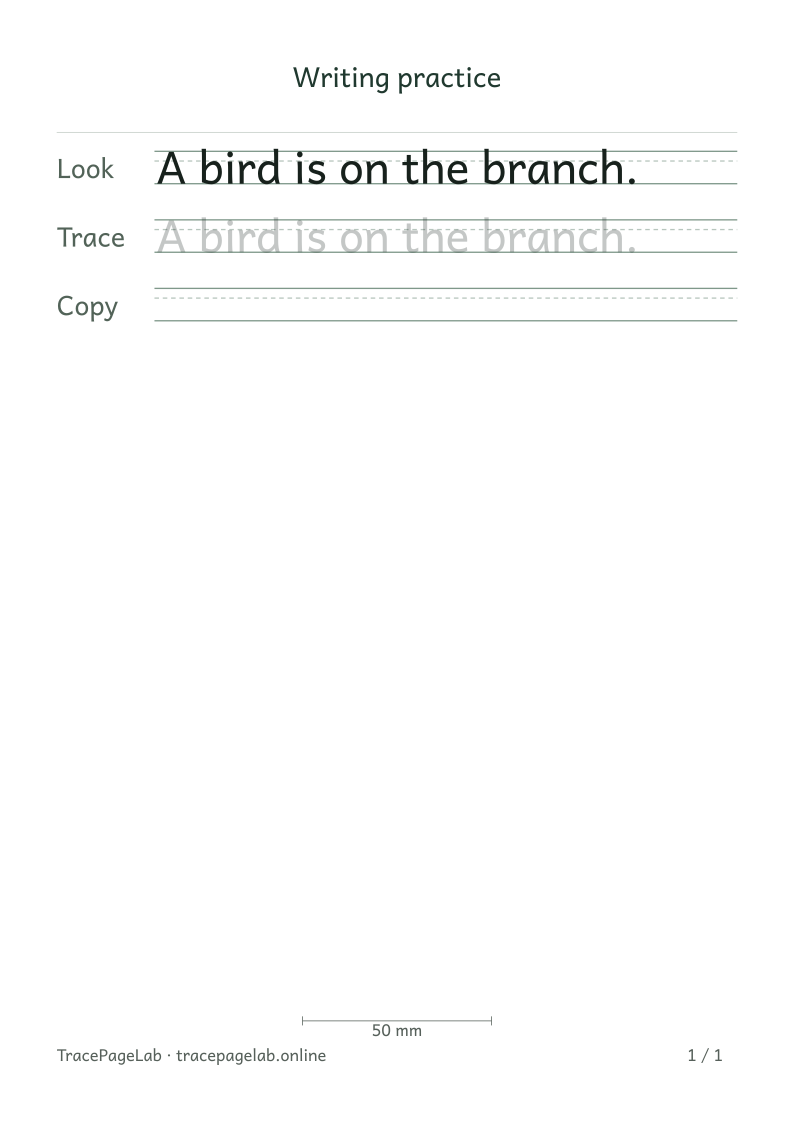
Try A bird is on the branch. as a starting sentence. Replace it with your own text in the workbench, keeping each sentence on a separate input line.
Print this sample, or open it in the workbench to change the text and layout.
Make the worksheet
- Open the workbench and enter a short sentence with its intended capitalization and punctuation.
- Choose a row pattern and a comfortable letter size.
- Allow wrapping at word boundaries when the full sentence is wider than the page.
- Check that the final word and punctuation appear, including on a continuation line.
- Review the complete page sequence before printing or downloading.
Choose the space the task needs
Wrap at word boundaries lets a sentence continue at a space when it is too wide. A single long word may still need a wider page or a smaller size. Check the new line breaks in the preview.
Before you print
Read the whole sentence in the preview, including the final word and period. If a caption takes too much space, try a shorter sentence or a wider page.
| Output | Use it for |
|---|---|
| Open the browser print dialog and choose matching paper and actual size. | |
| Download a separate vector file to print or keep locally. | |
| SVG | Keep self-contained vector pages for a compatible local application. |
| Project file | Save the editable text and settings in a local JSON file. |
Create your first custom worksheet
Questions about this worksheet
Where will a long sentence break onto another line?
With Wrap at word boundaries selected, the engine breaks at spaces when it needs another line. An individual word that is wider than the writing area still needs a wider page or a smaller letter size. Check the final word and punctuation in the preview.
Can I put two different sentences on one sheet?
Choose Short sentences and enter each sentence on a separate line. Each entry receives its own practice sequence. More text or larger letters can add pages, so review the page buttons before downloading.
Will capitals and punctuation stay as I type them?
Yes, with Keep as entered selected. Type the capital letters, commas and end punctuation you want. The tool lays out your text; it does not proofread or add a missing period.