Word tracing worksheet maker
Turn your word list into a printable worksheet with a model, light tracing and space to copy.
Customize this sheet in the private workbench. Your text is processed on your device.
The sample uses A4. Choose US Letter or a custom paper size in the workbench.
These sheets use Andika print letters. For stroke order, follow the handwriting model you use at home or school.
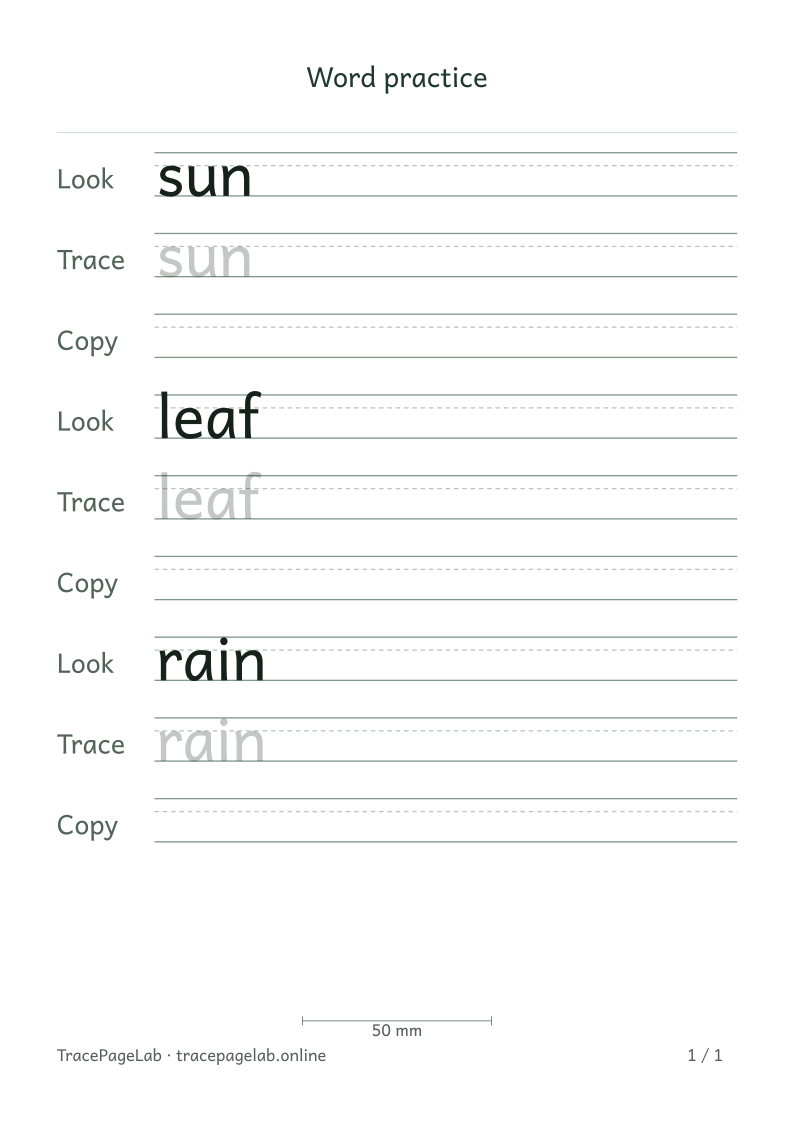
Start with sun, leaf and rain, or enter a few words of your own. Keep one entry per line, choose the practice rows and check the longest word in the preview.
Print this sample, or open it in the workbench to change the text and layout.
Make the worksheet
- Open the private workbench and enter one word or short entry per line.
- Keep the words in the order you want them to appear.
- Choose model, light tracing, outline or blank rows and set the repetition count.
- Inspect the longest word and any accents or descending letters.
- Review all pages and export the PDF, or print using the matching paper size.
Choose the space the task needs
The worksheet keeps your word order and adds pages when it needs more room. Word length, letter size and the row pattern all affect the page count.
Before you print
For a long list, make a few smaller groups or let the worksheet run to more pages. Keep the letters large enough for the writing space you want.
| Output | Use it for |
|---|---|
| Open the browser print dialog and choose matching paper and actual size. | |
| Download a separate vector file to print or keep locally. | |
| SVG | Keep self-contained vector pages for a compatible local application. |
| Project file | Save the editable text and settings in a local JSON file. |
Create your first custom worksheet
Questions about this worksheet
How do I put several words on one worksheet?
Choose A word list and put one word on each line. For a first sheet, try sun, leaf and rain. The workbench keeps that order and adds pages when the selected rows need more room.
Can I use my own spelling list?
Yes. Replace the sample with the words you want to practice, up to 50 entries in one project. Separate a longer list into smaller groups. Preview the longest word before repeating the same settings across a pack.
How do I leave space to write without tracing?
Include a Copy row in the practice pattern. It prints guidelines without letters. Keep a Look row above it if you want a visible model, or remove the Trace row for a look-and-copy sheet.