Make a weekly word practice pack
Turn eight classroom words into a printable pack, with two small groups and one consistent layout.
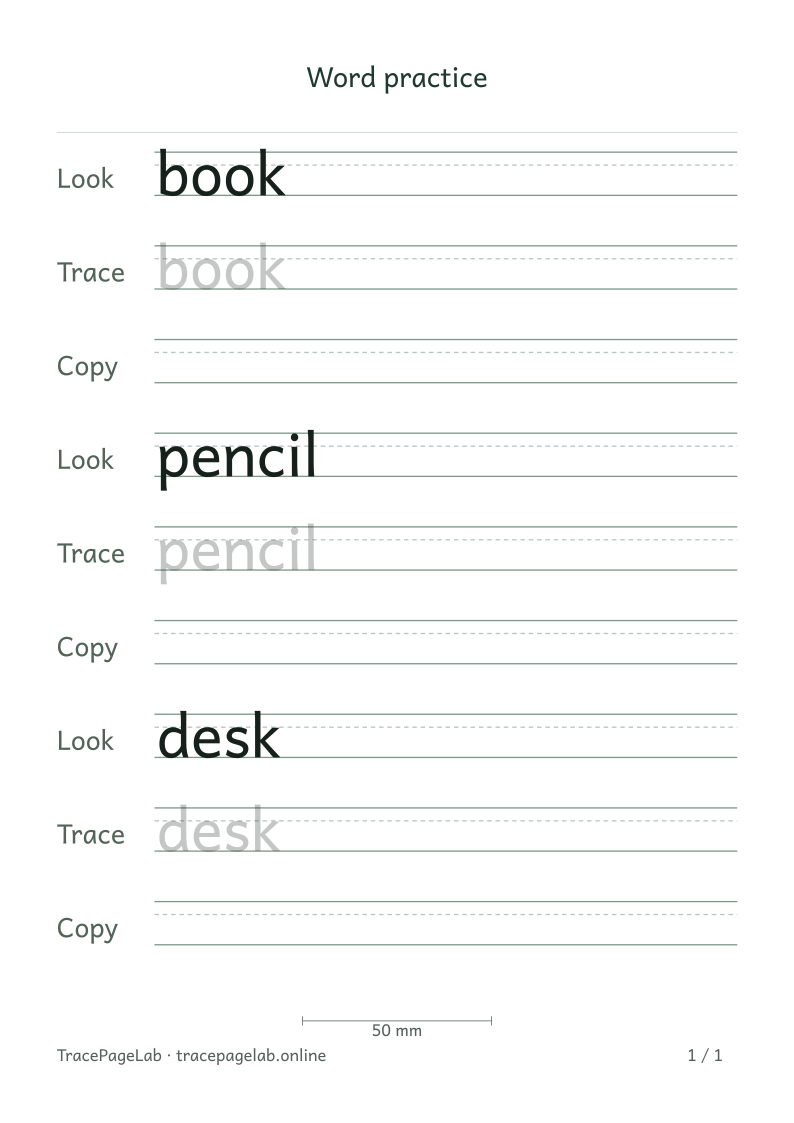
This excerpt shows the first three words. The complete eight-word pack is available farther down the page.
Keep a weekly word pack simple: one short list and one set of page settings. This example uses eight classroom-object words, split into two small groups so you can use them together or on separate days.
Make the source list first
| Small group | Entries in order |
|---|---|
| Writing things | book, pencil, paper, crayon |
| Desk and supplies | desk, folder, ruler, eraser |
Use the groups in the table above, or keep the full order: book, pencil, desk, paper, folder, ruler, crayon, eraser. Enter one word per line in the workbench. The worksheet keeps that order as it adds pages.
Set the pack once
Choose the paper you have, A4 or US Letter. Try portrait orientation, 15 mm margins, an 8 mm letter size and one Look–Trace–Copy sequence for each word. Check the widest word before printing the pack.
Eight single-line words with three rows each make 24 practice rows. Row spacing and paper settings decide how many pages they need. A phrase that wraps, or an extra repetition, adds more lines.
Review the pack in order
- Start at the first page and read each model row.
- Check that each word has the row roles you selected.
- At a page boundary, verify the last row before it and the first row after it.
- Confirm that eraser, the final entry in this example, appears in full.
- Inspect accents or descending parts if you change any of the words.
Check every page, including the last one. A final page with only a few word groups is fine. If you want a shorter pack, remove some entries or choose a simpler row pattern.
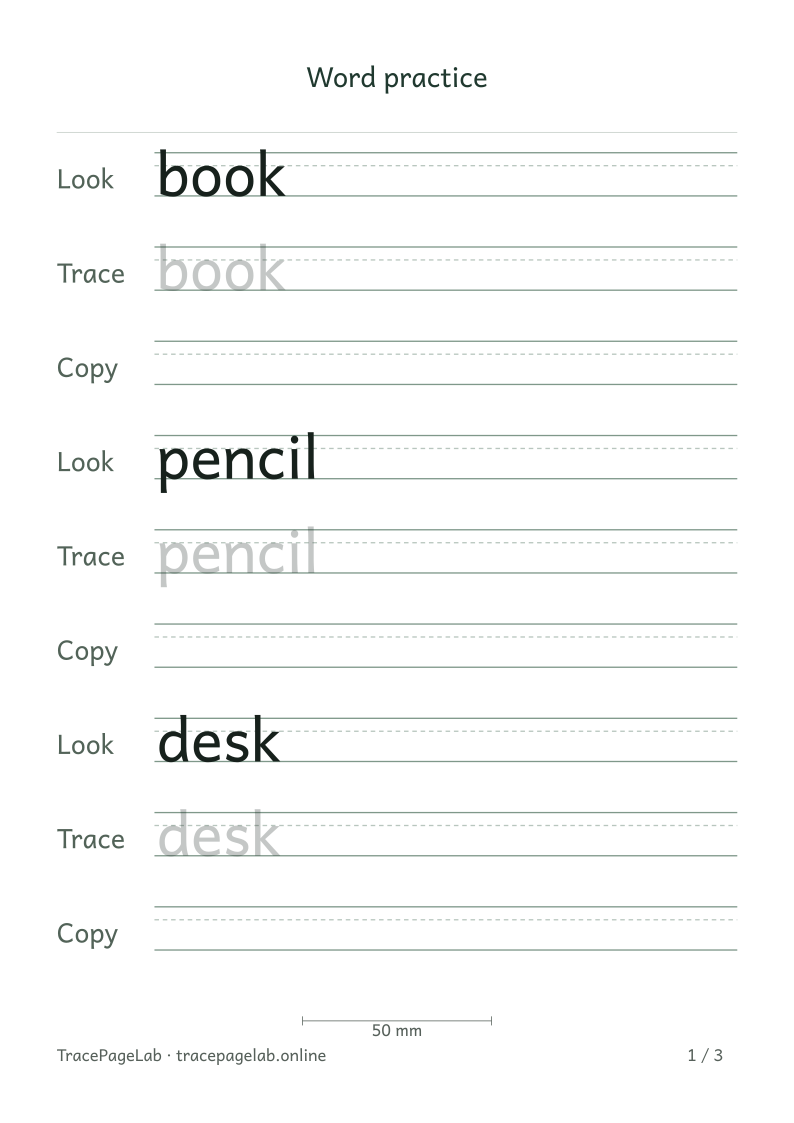
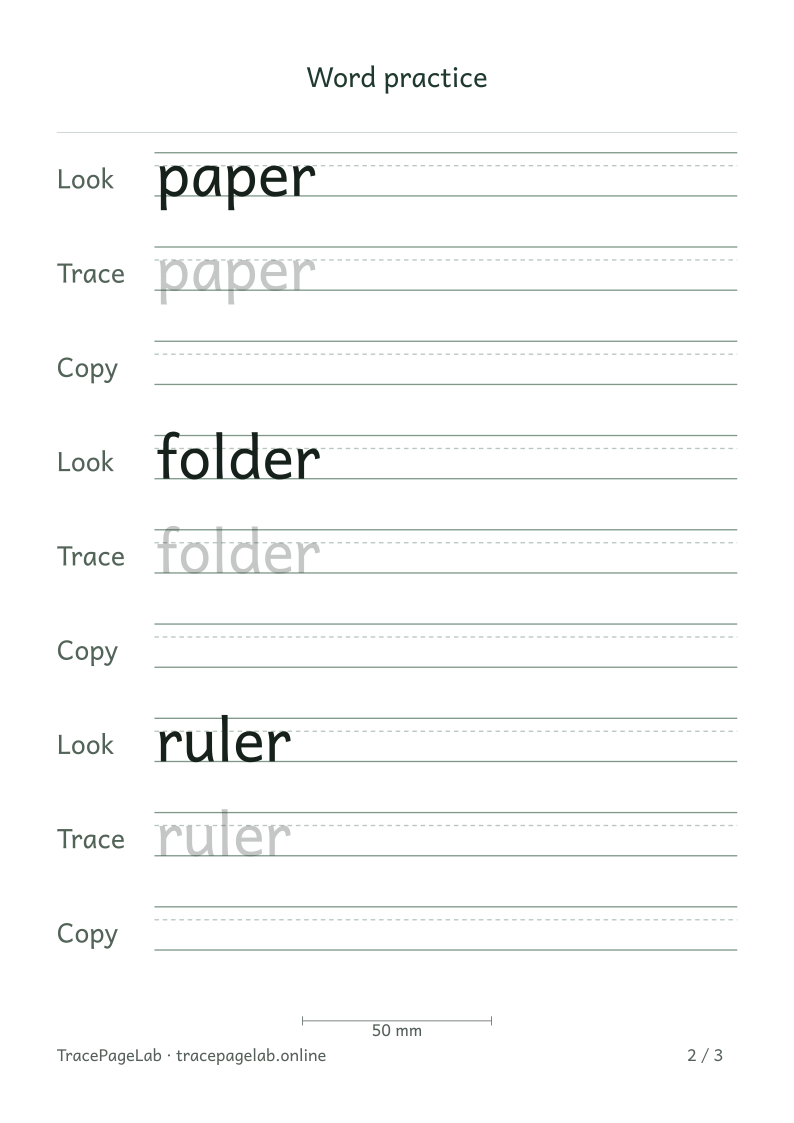
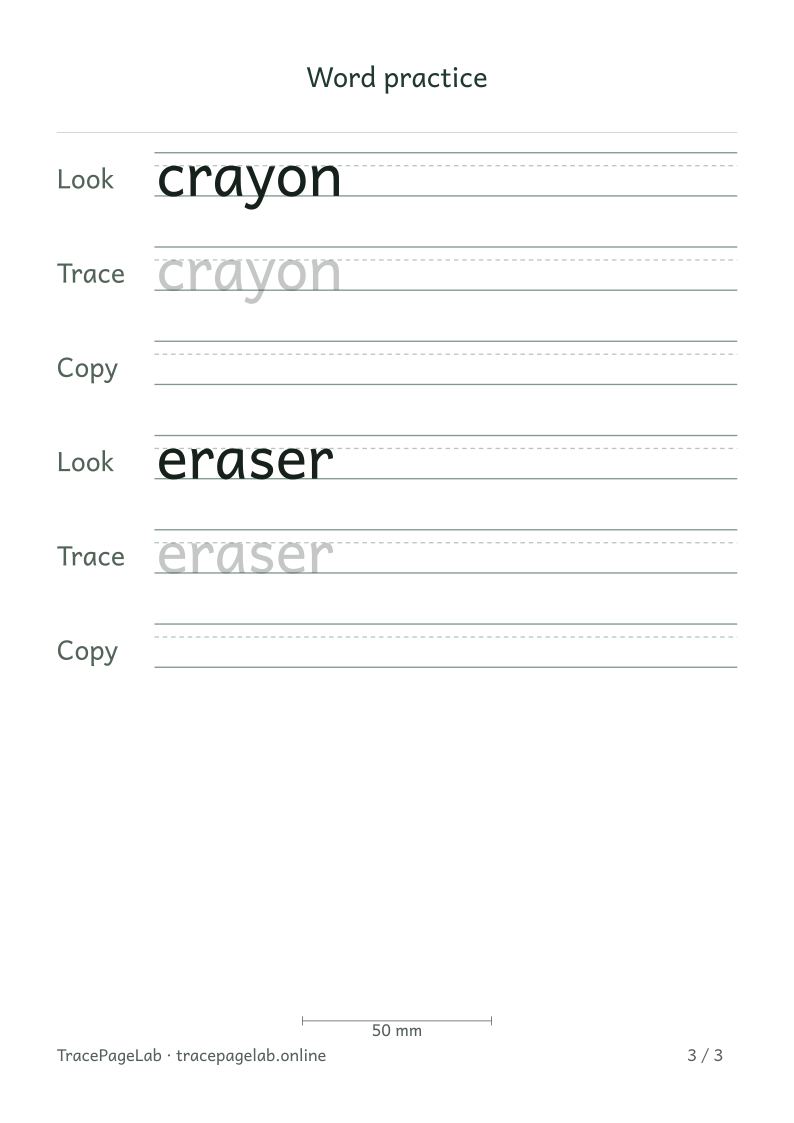
The full pack ends with eraser and includes all eight words. Download the PDF for every page, an SVG for an individual page, or the project to edit the list.
Choose an SVG page to download
Choose one pack or two smaller sheets
For two short activities, make each group as a separate project. For one pack, keep all eight words together. You can use either approach without an account.
Keep the editable source
Use Save project to keep the word order and settings, then Download PDF for the printable pack. Keep the JSON project and finished PDF in folders you can recognize when you return to them.
Use a new list next week
To make next week’s pack, open the project and replace the list. Check the longest new word, every page break and the final entry. The same settings can produce a different page count with different words.
Start with the word worksheet maker